
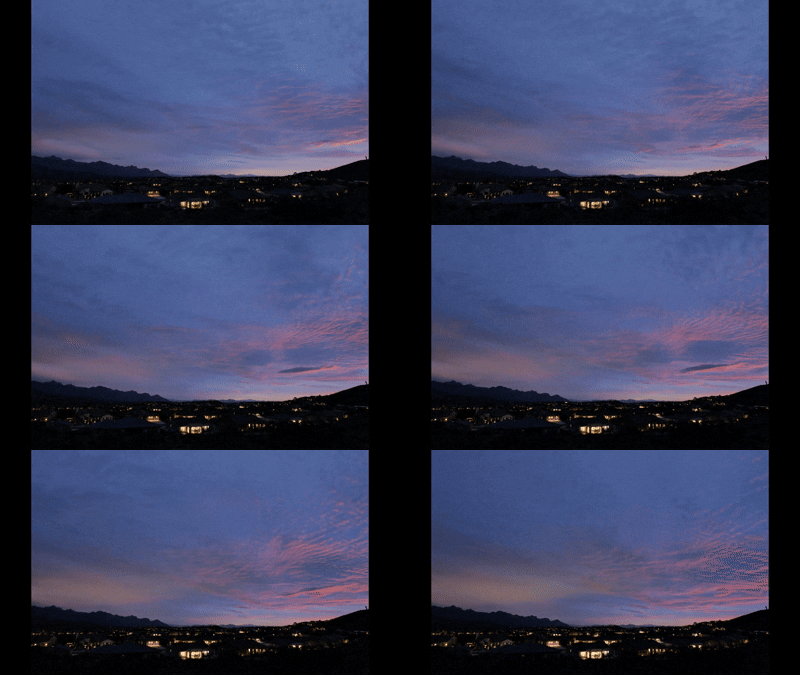
As I mentioned in my intro, I just picked up an S1R and a 20-60mm lens. I've updated the firmware on both to the latest. I'm trying to use it to create time lapse videos like the one attached. I managed to make this a couple evenings ago, with some difficulty. Initially I followed the instructions in the manual, but the camera wouldn't start the time lapse. I searched and found a tutorial on the Panasonic UK web site that pointed out that the camera and lens focus modes should both be set to MF. Once I set that it seemed to work, but not reliably. What works some times is to put the camera in S focus mode, the lens focus in AF, focus on the distant mountains, then set camera/lens focus mode to MF, set up Time Lapse Shot Mode (Shooting Interval: ON, Start Time: Now, Image Count: 500, Shooting Interval: 15 sec., Exposure Leveling: ON), put the Drive Mode Dial in Time Lapse Shot and press the Shutter button. It worked Monday evening, part of which you see below. It took all 500 frames for a 33 second video. Frequently, after going through the previous steps, once I press the shutter button fully, the camera clicks and the rear display blanks momentarily, but no image is taken and the image count does not decrease. I tried again last night, and went through the same process, and it would click and pretend to start taking images, but would not continue. Finally, after turning the camera off and on, refocusing, and attempting to start the time lapse it finally started taking actual images, the Card Access Indicator blinked red and the image count decreased. It took only 20 of the 500 images it was supposed to and stopped for some reason.
I'm sure there's some menu item I haven't discovered yet that is preventing this from working reliably. Suggestions are welcome, thanks in advance.
Mike
I'm sure there's some menu item I haven't discovered yet that is preventing this from working reliably. Suggestions are welcome, thanks in advance.
Mike
 I was using an external power source with the DMW-DCC16 DC Coupler and had the voltage regulator adjusted too low. The battery indicator on the camera said full, and there were no messages on camera indicating any sort of problem, but the camera would function fine with the standard Lumix battery but not my external power source. I adjusted the voltage from 7.6V that I use for my other cameras to 8.1V of a fully charged Lumix battery, and now it operates as expected.