L-MOUNT Forum

Register a free account now!

If you are registered, you get access to the members only section, can participate in the buy & sell second hand forum and last but not least you can reserve your preferred username before someone else takes it.

Lumix S 26mm f8 bodycap lens

Yeah, sorry to keep banging on about it, but that magnified PIP focus point/box is the key to the whole thing.Otherwise the whole screen/EVF shows the peaking colour, and you've no idea where the actual focus plane really is. PIP still lets you see the whole field of view so you can easily compose the shot, while still being able to focus accurately on the point you want with the magnified view.
Here's just a really really quick & dirty shot of my S5 showing how I've got it set. You can see the "P" symbol for Peaking, I've got my Peaking colour set to yellow, and the PIP box is showing just a small section of the subject where I want the focus plane to lie. I can still see the rest of the composition, and can safely ignore any Peaking colour that may occur outside the PIP box.
As long as you're seeing max peaking colour in the PIP box, you're good to go, perfect focus, and you can still compose your shot. Too easy

View attachment 16876


Would you mind posting step-by-step directions on how to set up the PIP and focus peaking? I just ordered the bodycap lens based on the great images you have shared.
 
As long as you're seeing max peaking colour in the PIP box, you're good to go, perfect focus, and you can still compose your shot. Too easy
I like this manual focus method, it works fine for me with other lenses, but it does NOT work for me with the 26mm f/8 bodycap lens. The PIP doesn't show, and the MF guide doesn't show for the 26mm f/8 lens. I don't know why. This is with both the S1ii and the S1Rii. The 26mm f/8 has firmware Ver. 1.0, and I have not been able to find newer firmware for this lens. Any ideas about this would be helpful.
 
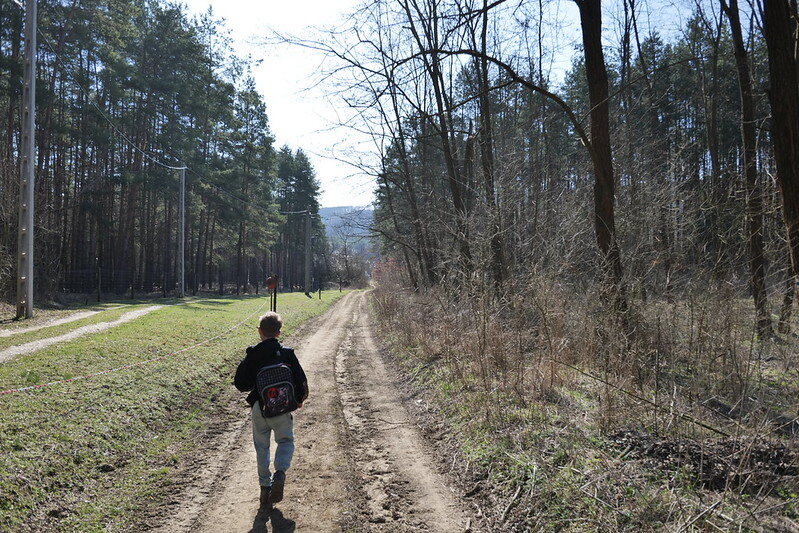
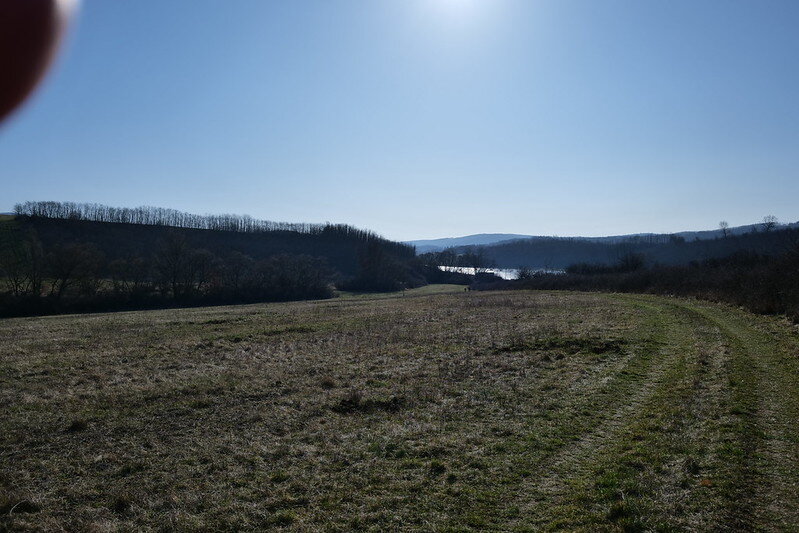
As I mentioned earlier, we went hiking today. It was a real pleasure to take photos with the 26mm lens. I carried the camera on my shoulder using the PGYTECH Beetle camera mount. I could easily pick it up whenever I needed to. The 26mm lens was lightweight, and I didn’t have to think too much about composition. I still had a hard time finding the focus with it, but I just need to practice more. I also had a new problem. I shared the last photo to illustrate this: my finger often got in the way of the composition.


P1012305 by Dávid Seres, on Flickr

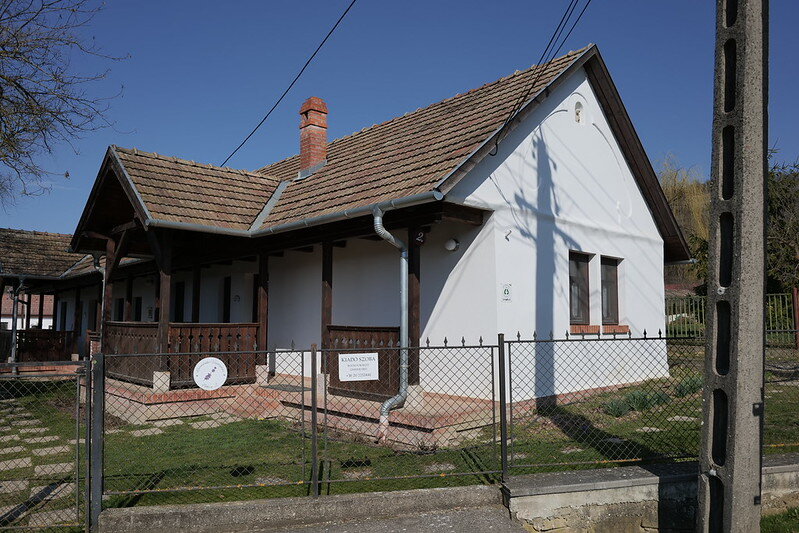
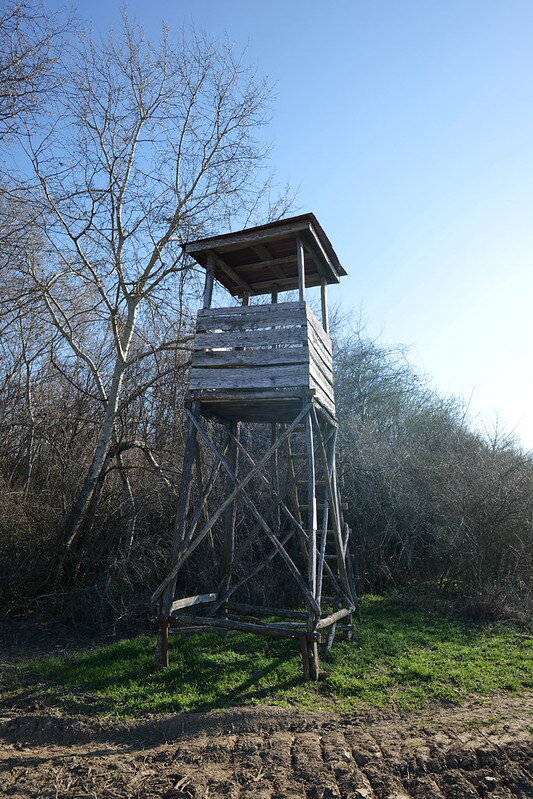
Hunting blind by Dávid Seres, on Flickr

Dirt road by Dávid Seres, on Flickr

P1012353 by Dávid Seres, on Flickr

My shadow by Dávid Seres, on Flickr

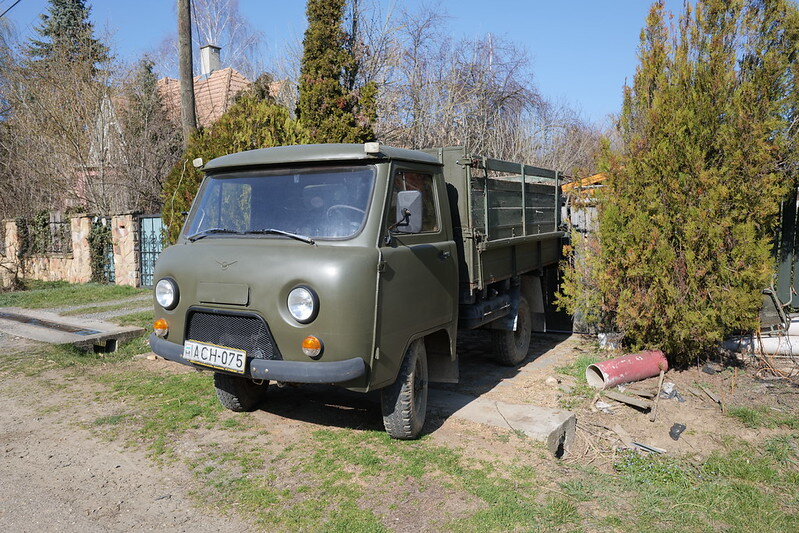
UAZ by Dávid Seres, on Flickr

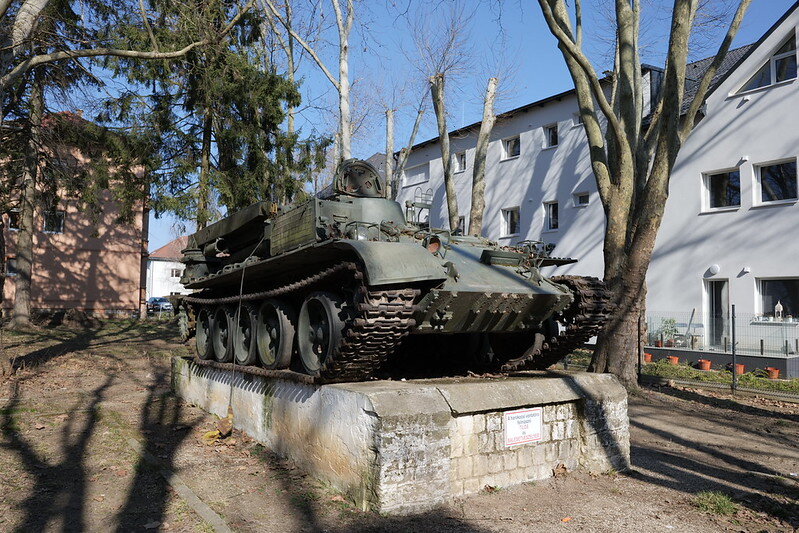
Armored by Dávid Seres, on Flickr

Bad photo by Dávid Seres, on Flickr
 
I like this manual focus method, it works fine for me with other lenses, but it does NOT work for me with the 26mm f/8 bodycap lens. The PIP doesn't show, and the MF guide doesn't show for the 26mm f/8 lens. I don't know why. This is with both the S1ii and the S1Rii. The 26mm f/8 has firmware Ver. 1.0, and I have not been able to find newer firmware for this lens. Any ideas about this would be helpful.
Hi Charles,

Yes, the 26mm f/8 does behave differently for me too on the S5ii and S9. Turning the focus ring doesn't automatically activate the MF Assist display.

If you go into the camera's settings > Cog menu > AF sub-menu and open the MF Assist option, you can set the camera to show the enlarged display or PIP by pressing the AF mode button or the Joystick, or both. This works for me.

However the distance guide never displays for me with this lens. It does for all my AF lenses. So I assumed it wasn't supported on the 26mm but given that it works for @Markuswelder on the S5, maybe it's a bug on later cameras.
 
I like this manual focus method, it works fine for me with other lenses, but it does NOT work for me with the 26mm f/8 bodycap lens. The PIP doesn't show, and the MF guide doesn't show for the 26mm f/8 lens. I don't know why. This is with both the S1ii and the S1Rii. The 26mm f/8 has firmware Ver. 1.0, and I have not been able to find newer firmware for this lens. Any ideas about this would be helpful.
You are correct. The focus scale won't show like in my example, because as I wrote it was just a really really quick and dirty example. I just grabbed the camera with the lens it had on it -being the 20-60, flicked it to manual focus, and took a shot of that. Posted it, then jumped into bed for my beauty sleep, because it was late here.
With the 26 mm being full MF, the camera does not recognise the focus ring being turned, so you have to map a function button to activate the PIP. I've set the Joystick center click to it, as you've -well I have anyway, got your thumb on it to move the magnified PIP box/focus point to where you want it. Click the joystick, or whatever button you so desire to bring up the PIP box, focus with peaking, done. As you press the shutter button the PIP box disappears, you're back to the full unmagnified view in the EVF.
You don't want the focus scale, that's just a distraction, you have focus peaking which is much much faster and more accurate.
You can easily see why certain people think that the little 26 mm isn't sharp when using the PIP box and peaking, very very small adjustments of the focus ring moves the focal plane quite a fair old distance, the sharpest shots are always the ones that are properly focused.
 
"Would you mind posting step-by-step directions on how to set up the PIP and focus peaking? I just ordered the bodycap lens based on the great images you have shared."

Yeah I will when I get a minute or two spare. Been shooting my much liked G100's quite a bit lately, as I've been out on my Mountain bike a fair bit, doing some pretty decent climbs/rides up into the hills around here. And weight makes a difference. Last weekend I did 650 odd meters of vertical elevation on one ride, Saturday I did 802 meters of vertical elevation over 27 km's, and this weekend I'm eyeing off another route with even more. I'll crack the 1,000 meters through the bush one of these days :)
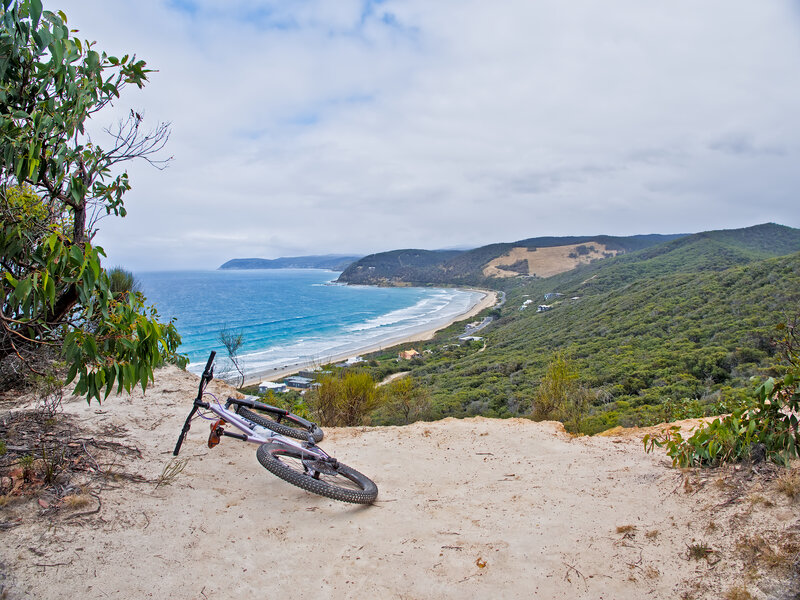
Couple of shots
2026-Mar14-P1000897-01.jpg


2026-Mar07-P1101956.jpg


2026-Mar07-P1101968-01.jpg
 
I set it up the same way as you. Where do I turn on the distance scale?
Sorry, you don't. See above, it was just a really really quick and dirty example, and I just used the lens that was already on the camera and flipped it to MF
 
Would you mind posting step-by-step directions on how to set up the PIP and focus peaking? I just ordered the bodycap lens based on the great images you have shared.

Been ages and ages since I set mine up, I can only tell you how it works with the S5 Classic.
I just had a look, the center Joystick click button/function already does the focus assist magnification thing itself. I haven't gone and looked through the menus to see if you can actually use/map another button, I've not bothered because it already does exactly what I want.
For the other settings, go into menu, third tab down which is the gear Icon or symbol, go across one row then down to the AF tab, then go the MF Assist menu. Click on that, make sure that the first three entries in the list are turned to on, then the 4th entry down is MF Assist Display. Set that to PIP, you're good to go.
The third menu item down is actually called "Press Joystick" I'm not sure if "on" is a factory default which is why I never had to set mine -that I can remember anyway, just make sure it is switched to on.
 
Would you mind posting step-by-step directions on how to set up the PIP and focus peaking? I just ordered the bodycap lens based on the great images you have shared.
Sorry, just saw the bit about focus peaking. I seriously can't remember how the camera comes with factory defaults (the S5 Classic) so I can only share how mine is currently set for peaking.
I have the AF-ON button set to activate the peaking. And also the front custom button above the lens release button. You could set one of those to peaking sensitivity, but I've never bothered as factory setting works just fine for me.
The easiest way to do that, is just press and hold the button you want to assign until the menu pops up with all the available functions to choose from. Select what you want, done
 
Back
Top